Snap it
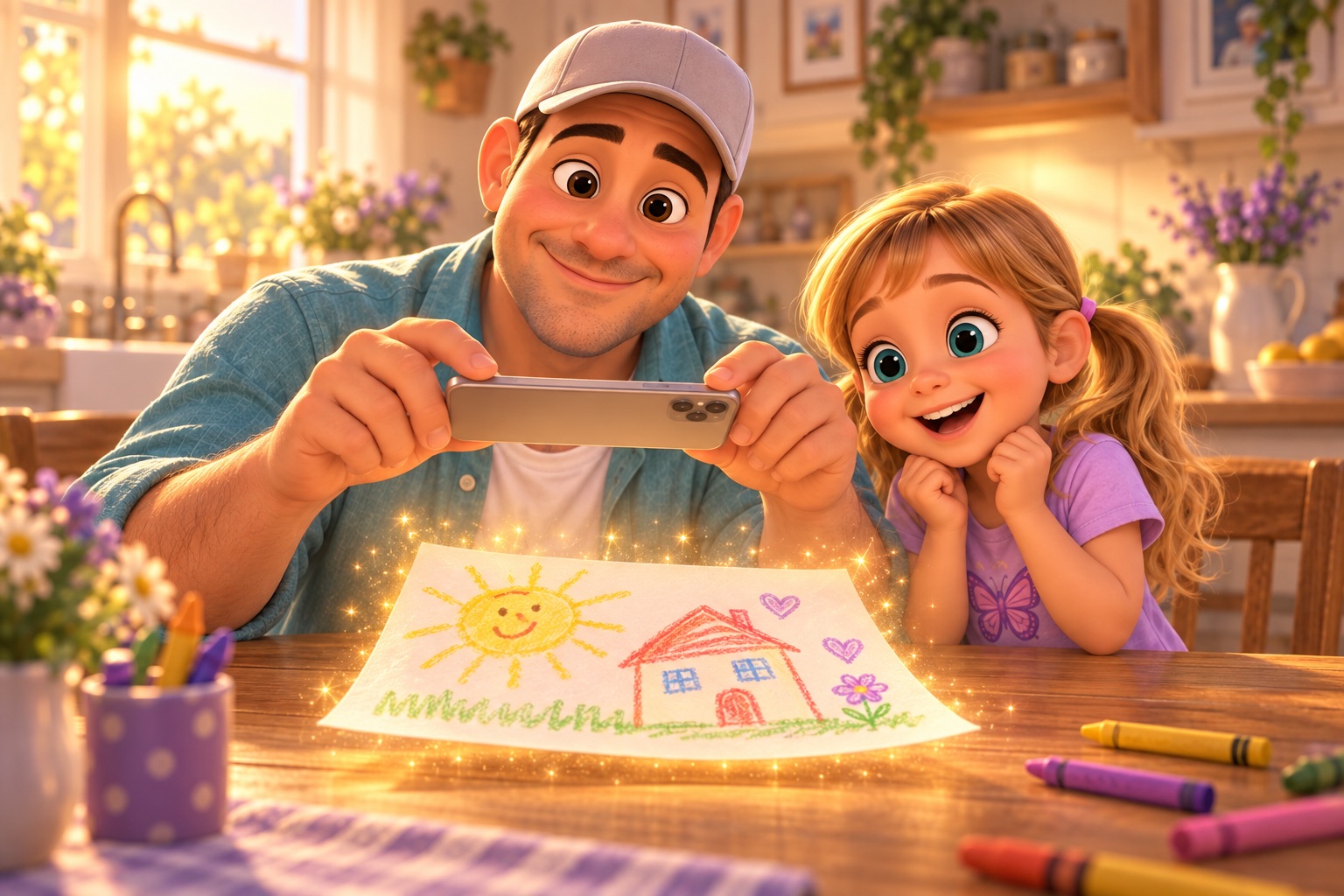
Point the camera at a drawing. Zupzi Art finds the paper, lifts the drawing off it, removes the shadow, fixes the color and even reads the title the artist wrote — in a fraction of a second.
Zupzi Art turns the pile on the fridge into a living family archive. Snap a drawing, watch it come to life, and get the whole year back as a book — while the art stays yours, on your iPhone and in your iCloud.
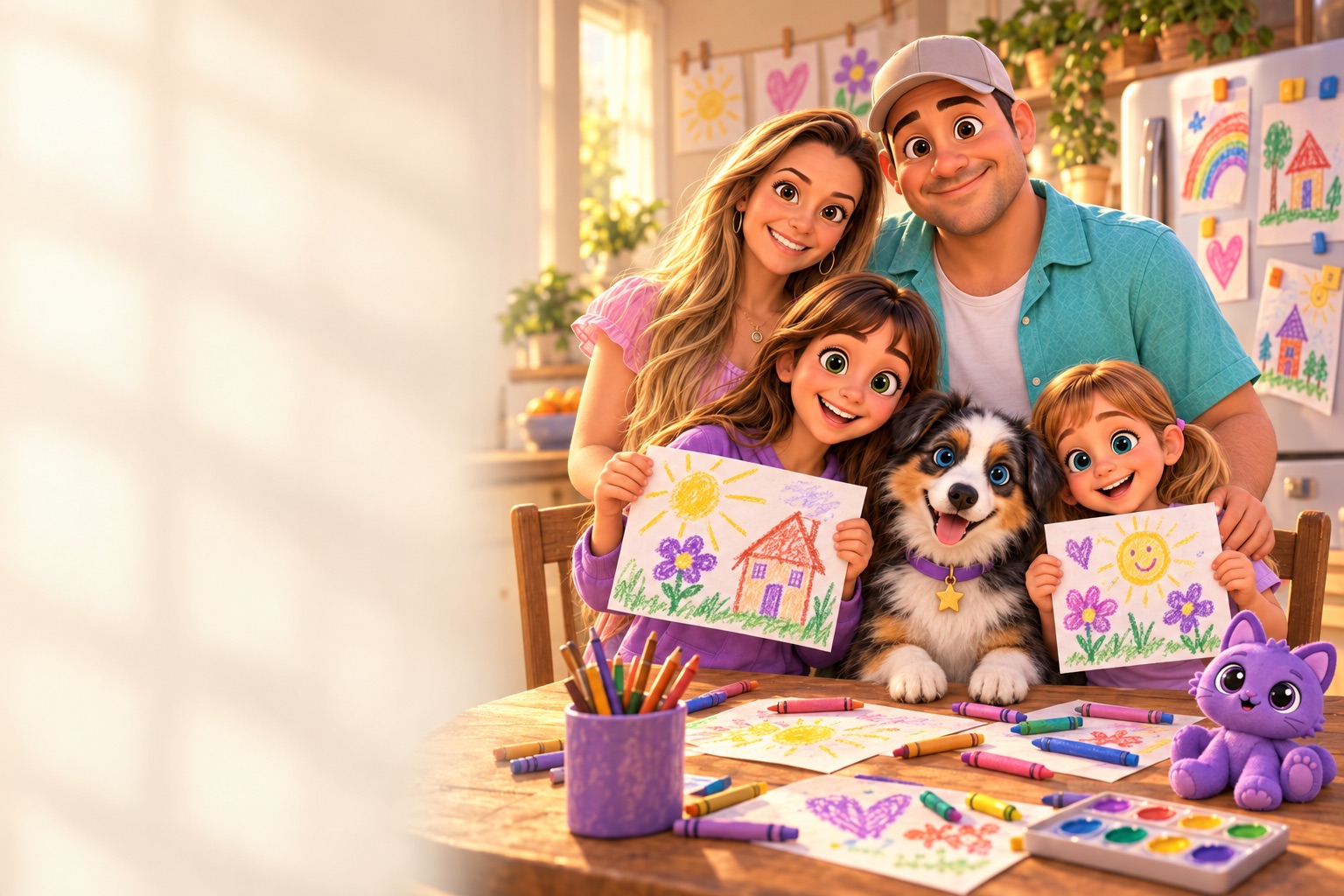
Children make hundreds of drawings. Zupzi Art keeps every one of them — cleaned up, dated, filed under the artist who made it — and gives them back when it matters.
Point the camera at a drawing. Zupzi Art finds the paper, lifts the drawing off it, removes the shadow, fixes the color and even reads the title the artist wrote — in a fraction of a second.

The drawing floats off the page into one of ten painted worlds — space, the sea, a castle, a snowy forest — or into a scene painted just for it. It's the rocket they drew that flies.

The Book tab lays out the year on its own: each drawing with its title, the artist's age and the date, no blank pages. Export a print-ready PDF for a hardcover book on the shelf.
Use your Zupzi account — the same family and artists you already have in Zupzi Play, or a new family in a minute.
Photograph paper art, or let them draw right in the app on iPad. Every piece lands in the right artist's gallery.
Bring it to life, transform it, share it with the family album, and watch the book of the year fill itself.
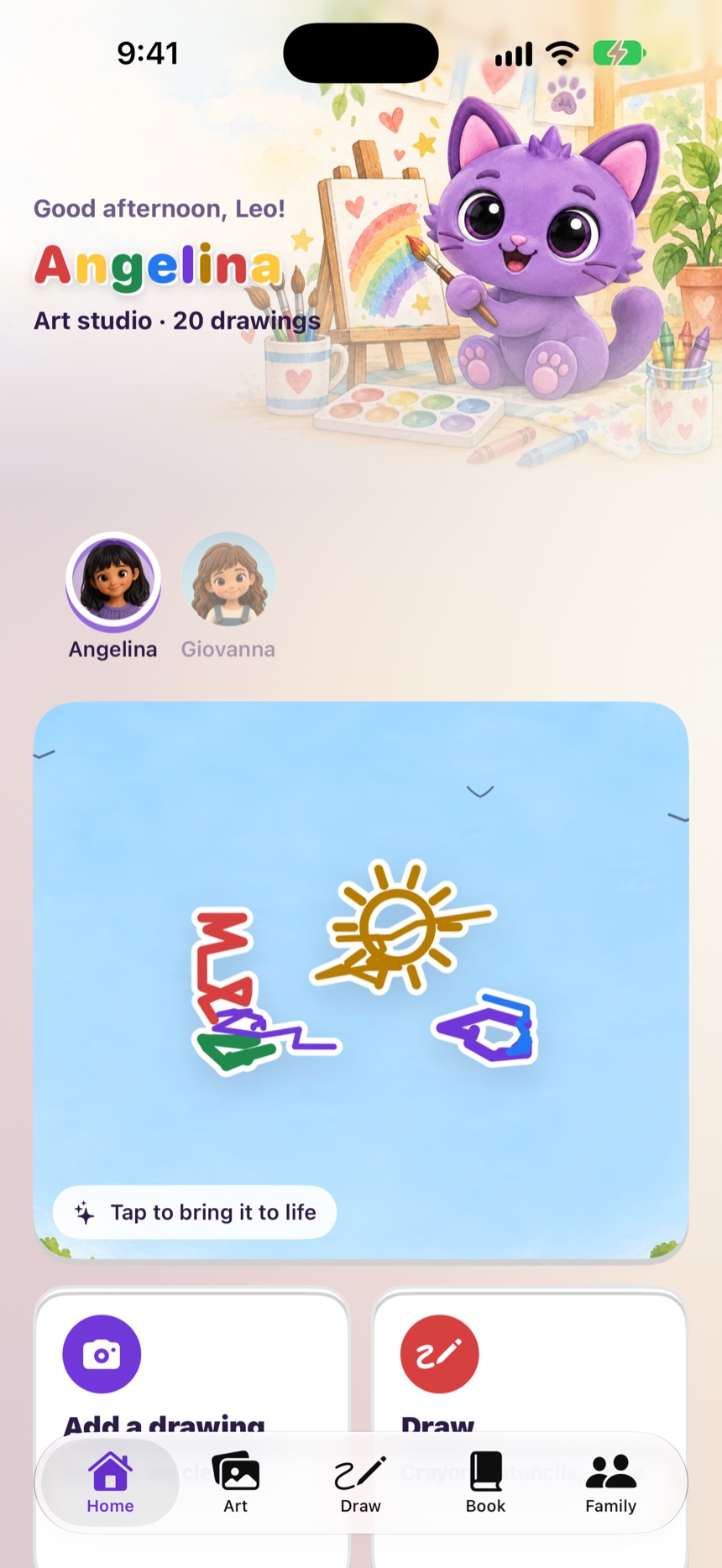
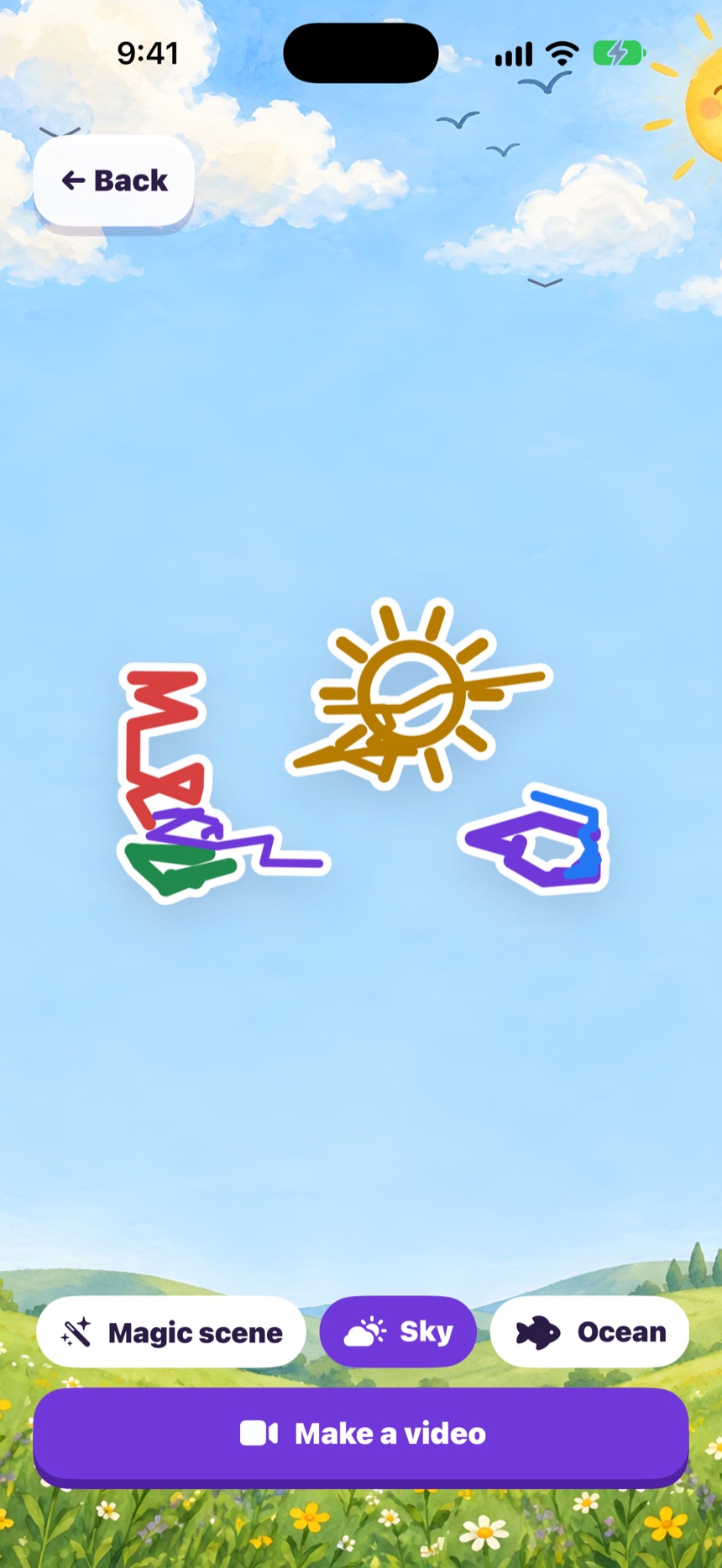
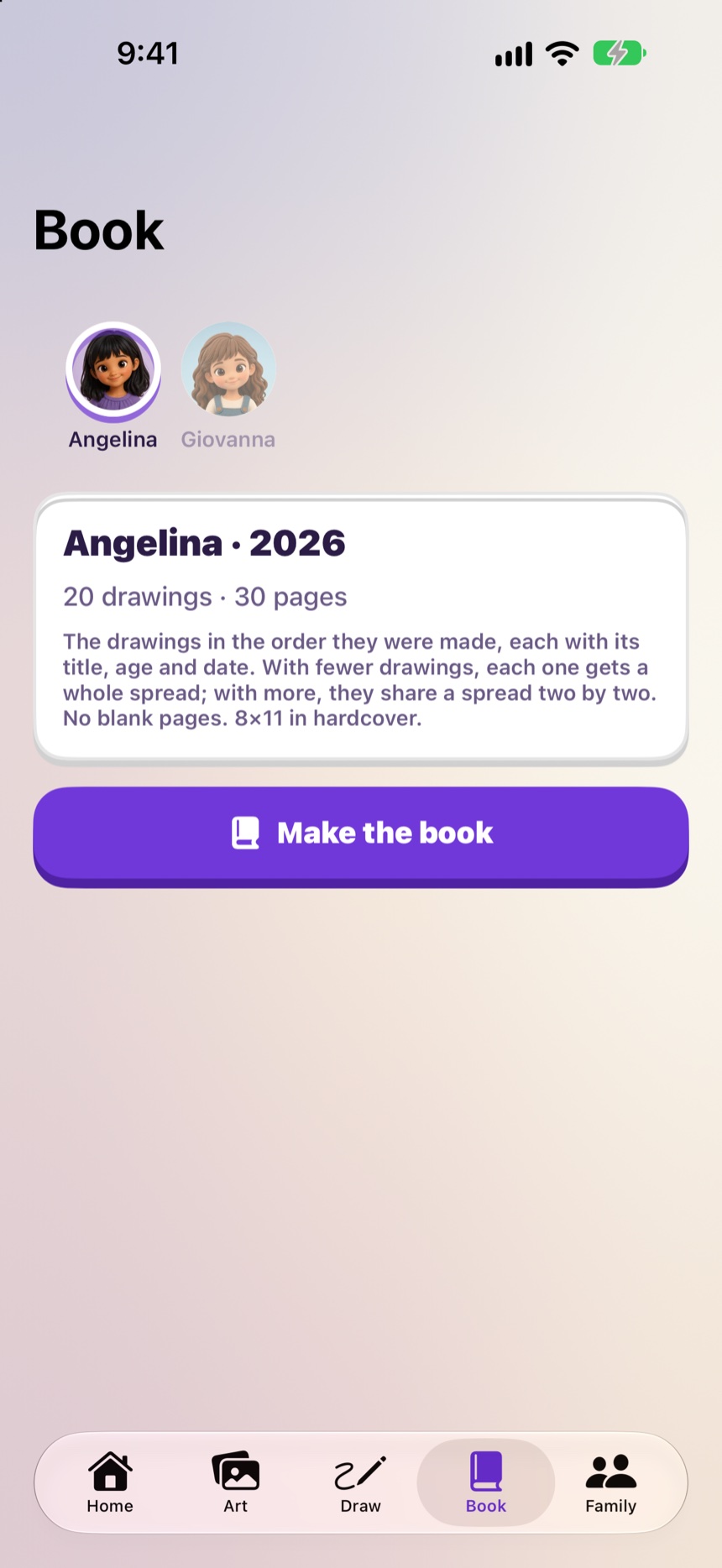
Real screens from the app.
Every creation starts from the real drawing. We build around their lines — we never replace them.
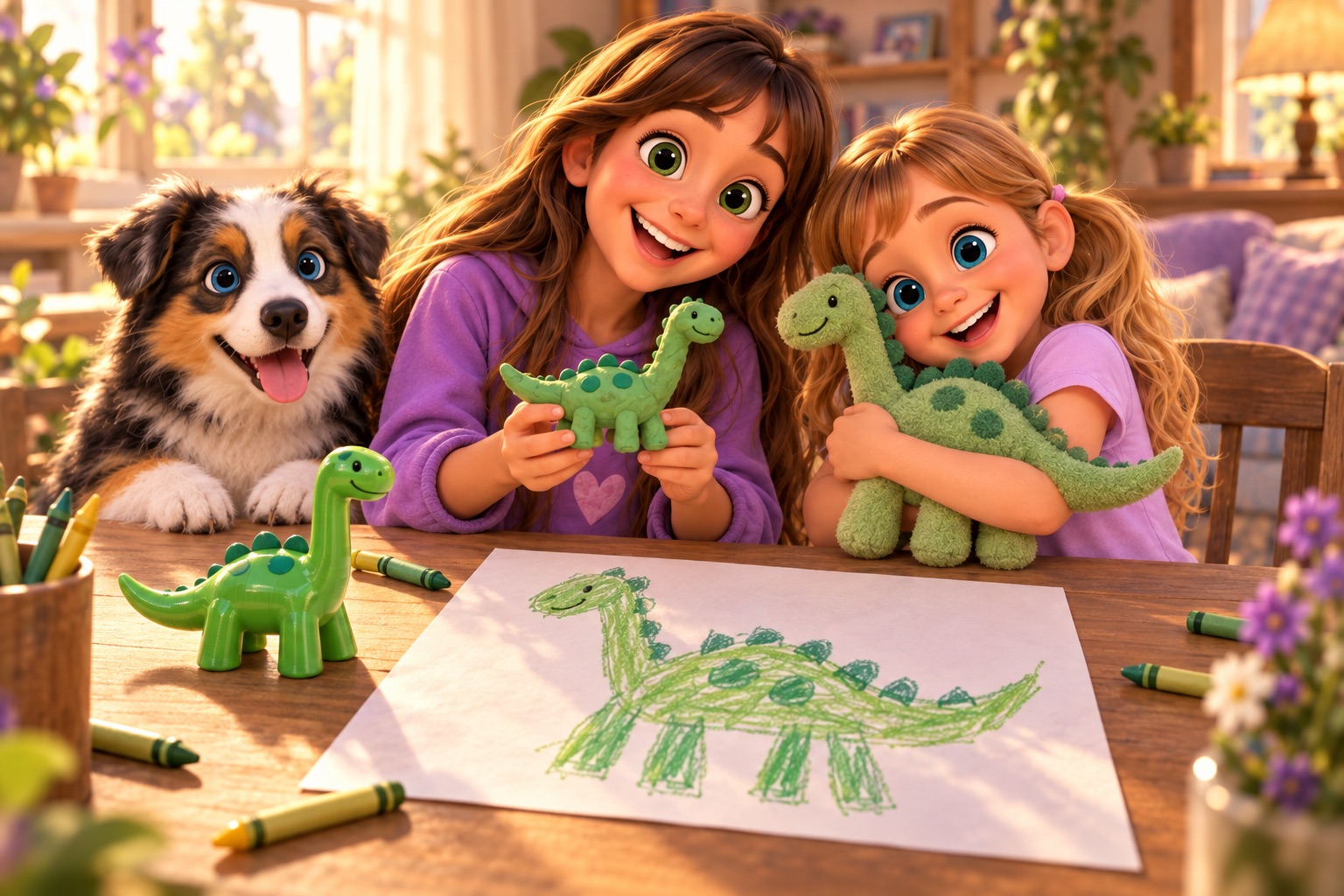
Pick a style and the art factory remakes the drawing — then sends a notification when it's ready. Or turn it into a 3D toy you can spin with a finger and place on the living-room floor in augmented reality.
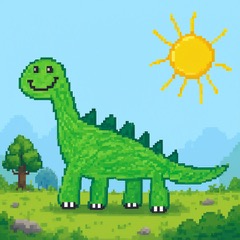 Pixel Art
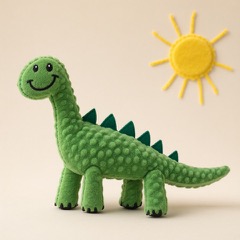 Plush Toy
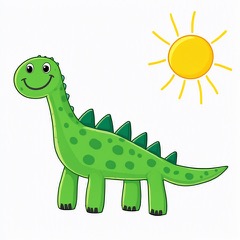 Cartoon
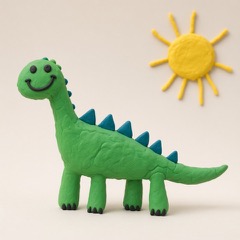 Claymation
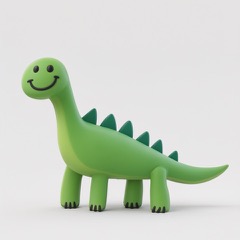 3D Toy

Kid Mode is a safe corner to draw on a blank page, trace 34 dotted templates, and paint coloring pages with a paint bucket. With Imagine it, they just say an idea out loud — "a unicorn in a castle!" — and a brand-new coloring page is drawn for them. Their voice is transcribed on the device and never leaves it.
Leaving Kid Mode asks for a grown-up's Face ID. Drawings made on their iPad arrive in your archive by themselves.

Every drawing is kept with the artist's name, age and the day it was made — so years from now, you can scroll back and see how their "mom" changed. And with the family album, the grandparents can see the new ones too: you choose what goes in, shared through iCloud.
Many art-keeping apps store the drawings on their own servers and charge rent to keep them. We built Zupzi Art the other way around.

No subscription to keep your own memories. Nothing for sale in the app, nothing locked.
iPhone and iPad · your Zupzi family account
On your iPhone or iPad and in your own iCloud, in full resolution. Zupzi doesn't keep a copy of your archive on its servers.
Nothing is deleted or locked. The drawings stay on your device and in your iCloud, and you can export every original at once — or the whole book as a PDF — at any time.
Your account holds your family: the artists, their pictures and their PINs, shared with Zupzi Play. It's what lets a child's own iPad join your family, and what lets the art factory send your creations back to you.
Their voice never leaves the device — it's transcribed on the iPhone or iPad. When you ask for a creation (a style, a 3D toy, a coloring page from a photo), only the picture or the short text needed for it goes to our own servers, and it's deleted within a day. Privacy details.
Yes. Pair their iPad with a six-digit code you create in the app, just like in Zupzi Play; they pick their picture under "Who's drawing?" and type their PIN. What they draw there arrives in your archive.
Yes. Nothing is for sale in the app today, and keeping your own memories will never require a subscription.
More answers on the Support page.
Zupzi Art is almost here, for iPhone and iPad. Made by a dad for his two daughters — and for every family with a fridge that's run out of room.
Coming soon on theApp Store